Your own open Stremio streaming server
Faster, private, yours. A libtorrent-based replacement for Stremio's closed streaming server — bundled with the web player in a single Docker container. It streams whatever your addons provide; it bundles and indexes nothing.

Two ways to run it
Same software. Pick the path that fits you — do it yourself for free, or let us hand-build the box.
Free & open source
Pull the Docker image and run it on your own hardware. Full control, no cost, no lock-in. For people comfortable with a terminal.
Read the quick startWe build it for you
A small, silent mini-PC, fully set up and tuned. Power it on, point your TV at it, press play. Hand-built to order by ITCOM Solutions.
See the plug-and-play boxdocker run -d --name stremio --restart unless-stopped \
-e IPADDRESS=YOUR_SERVER_IP \
-p 8080:8080 -p 12470:12470 \
-p 6881:6881/tcp -p 6881:6881/udp \
-v stremio-data:/root/.stremio-server \
androshack/stremio-libtorrent-serverReplace YOUR_SERVER_IP with your machine's LAN or public IP.
Why it's better
Built for the full swarm, tuned for the playhead
Engineering-grade defaults that the closed streaming server can't match — every one of them about reliability and speed, never about content.
Inbound peering
Accepts inbound connections so it reaches the whole swarm — not just the half you can dial out to. More peers, steadier throughput.
Playhead-first
Prioritizes the pieces you're about to watch, so playback starts faster and rebuffers less — even on long files and slow swarms.
TV-trusted HTTPS
Provisions valid certificates automatically, so smart-TVs and casual clients accept the stream without manual trust prompts or workarounds.
Hardware transcode, optional
NVENC / VAAPI acceleration when a GPU is present — and it's GPU-optional, starting fine without one. Add silicon only if you want it.
See it in action
Instant seeking. A real admin. In your browser.
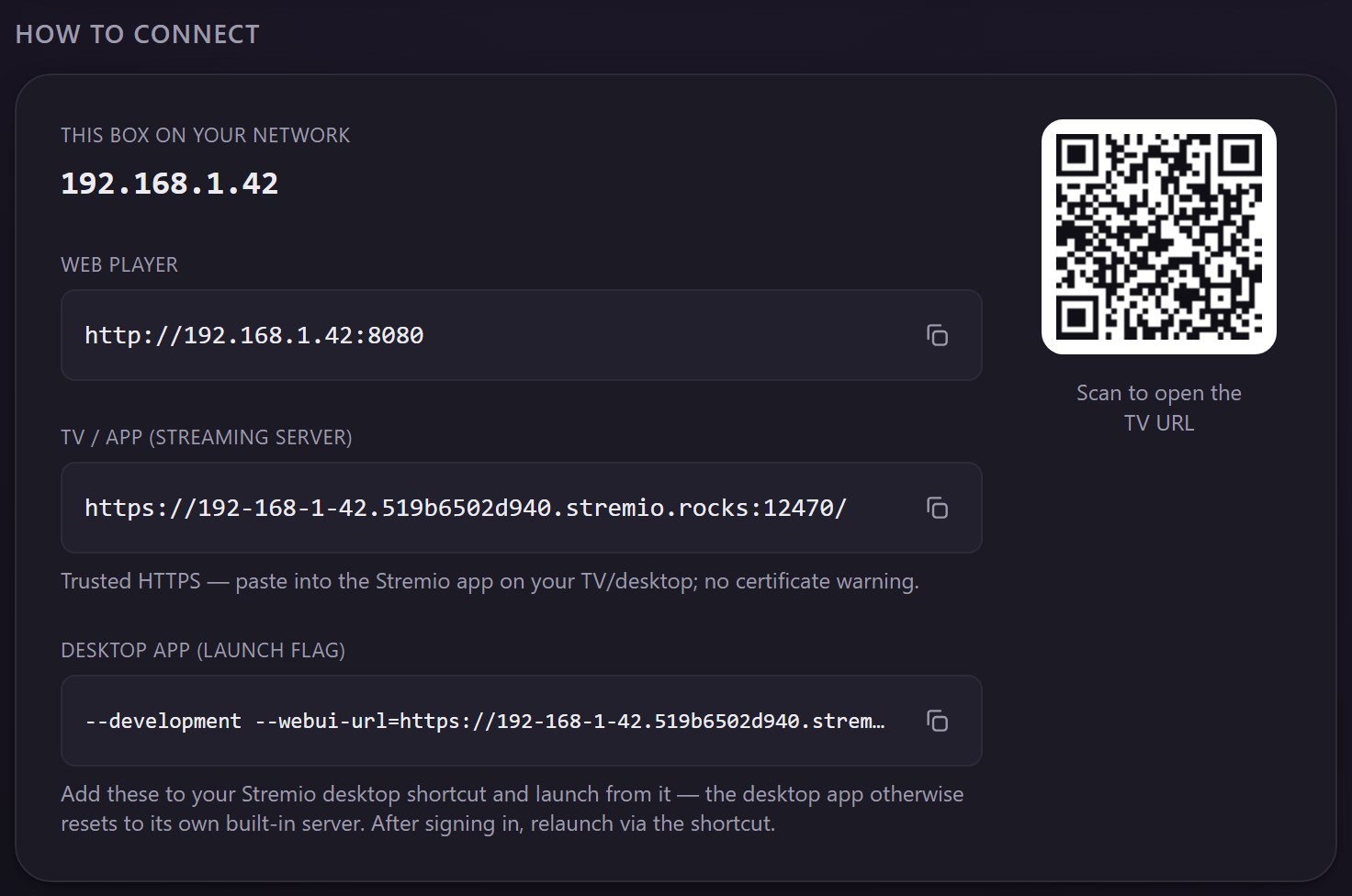
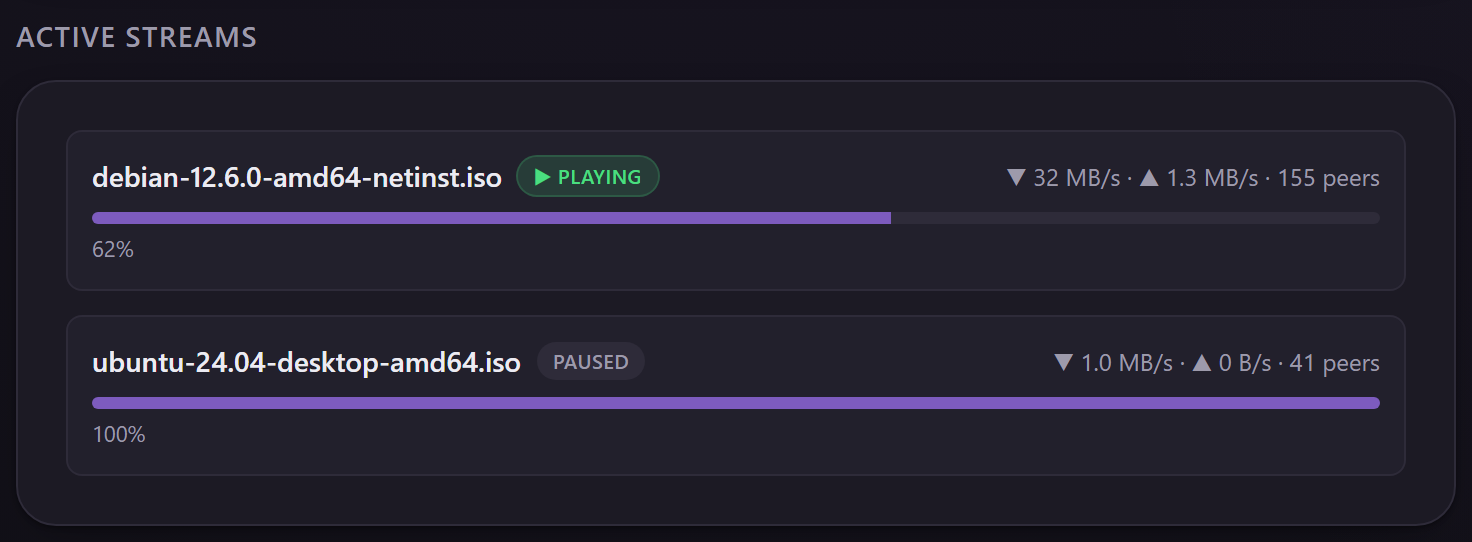
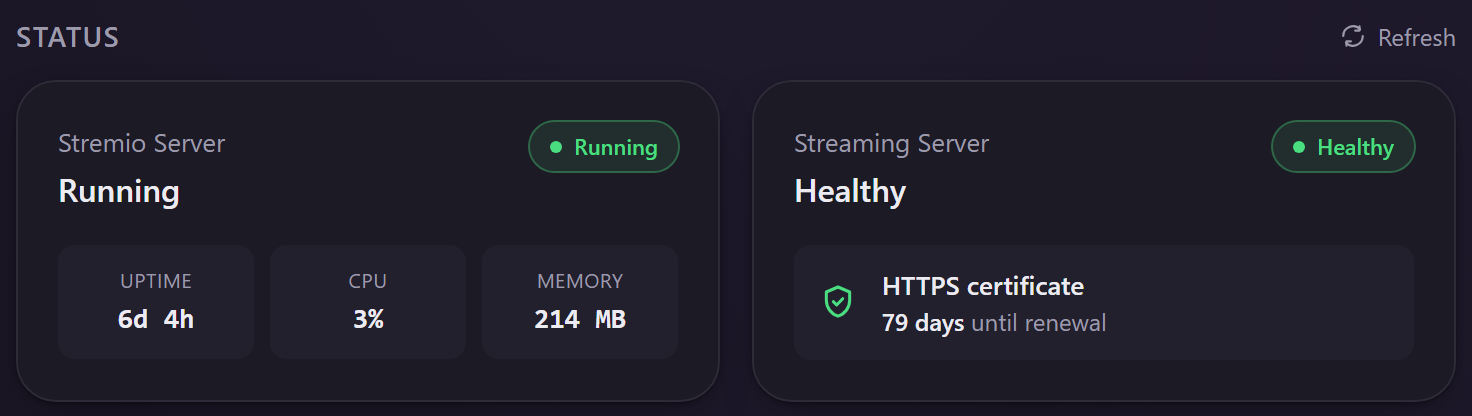
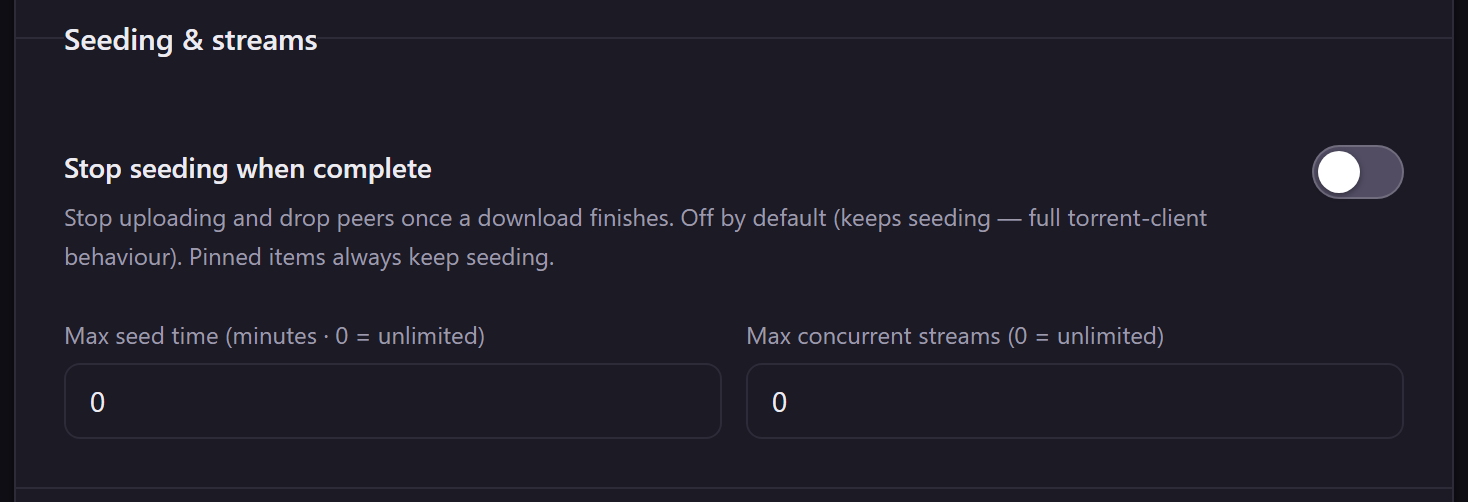
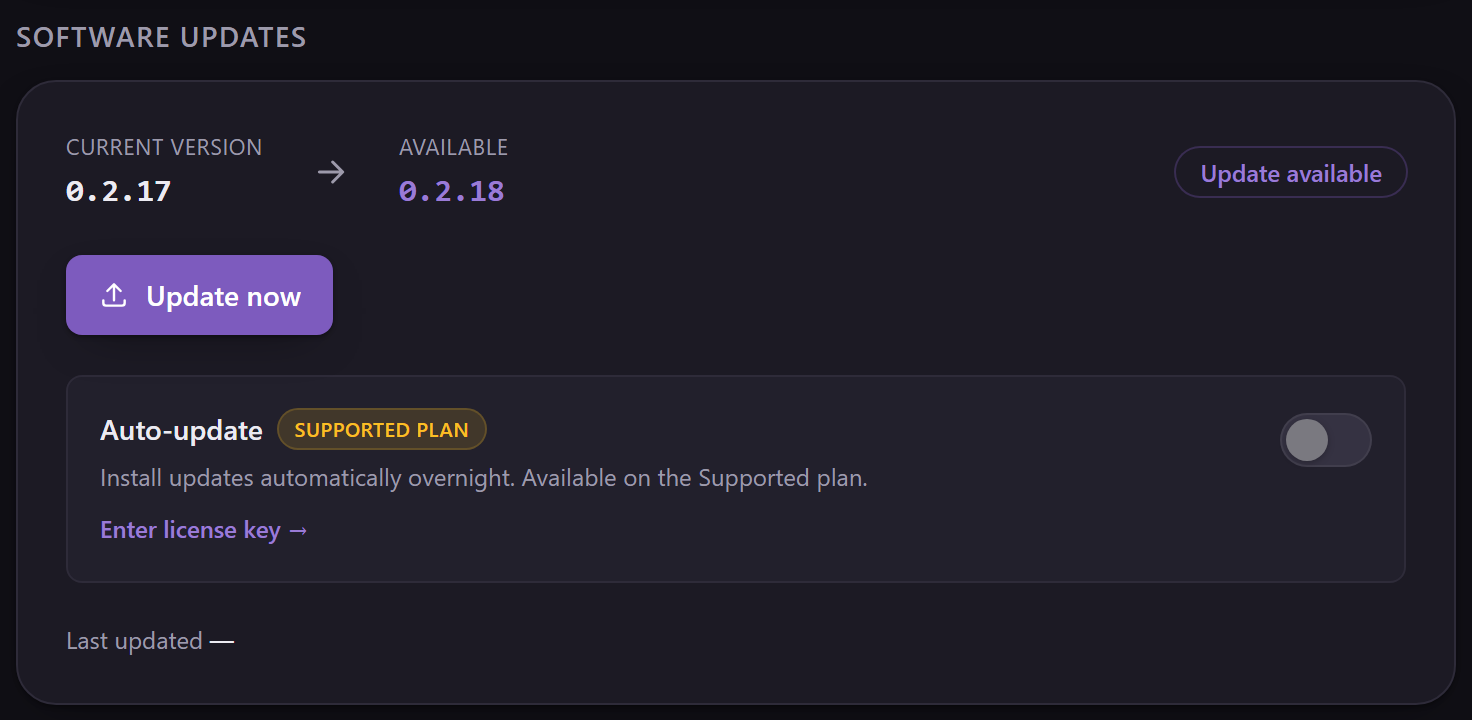
Scrub anywhere and it's there — the playhead-first engine fetches the exact bytes on demand (here, a public-domain film). And a full web admin runs on the box itself: live status, active streams, seeding and stream limits, one-click updates — nothing to install.
The web admin
Quick start
One command, any hardware
Everything ships in a single container — the libtorrent streaming server and the Stremio web player together. Pull, run, point your client at the host. No GPU required.
- GPU is optional. It runs on a Raspberry-class box or an old laptop. Transcoding accelerates only when you opt in.
- Persistent data. The named volume keeps your server state across restarts and upgrades.
- Self-hosted & private. Your traffic stays on your box. Nothing is bundled, indexed, or phoned home.
Pull & run the container
docker run -d --name stremio --restart unless-stopped \
  -e IPADDRESS=YOUR_SERVER_IP \
  -p 8080:8080 -p 12470:12470 \
  -p 6881:6881/tcp -p 6881:6881/udp \
  -v stremio-data:/root/.stremio-server \
androshack/stremio-libtorrent-serverOpen the bundled web player
http://YOUR_SERVER_IP:8080Point Stremio at your streaming server
In Stremio, set the streaming server URL to your host. Your installed addons decide what's available — this server only fetches and serves what they point to. The exact URL is printed in the container logs — e.g. https://192-168-1-50.519b6502d940.stremio.rocks:12470/ (or, on the same LAN, http://YOUR_SERVER_IP:11470/).
Don't want to tinker? Get it preconfigured.
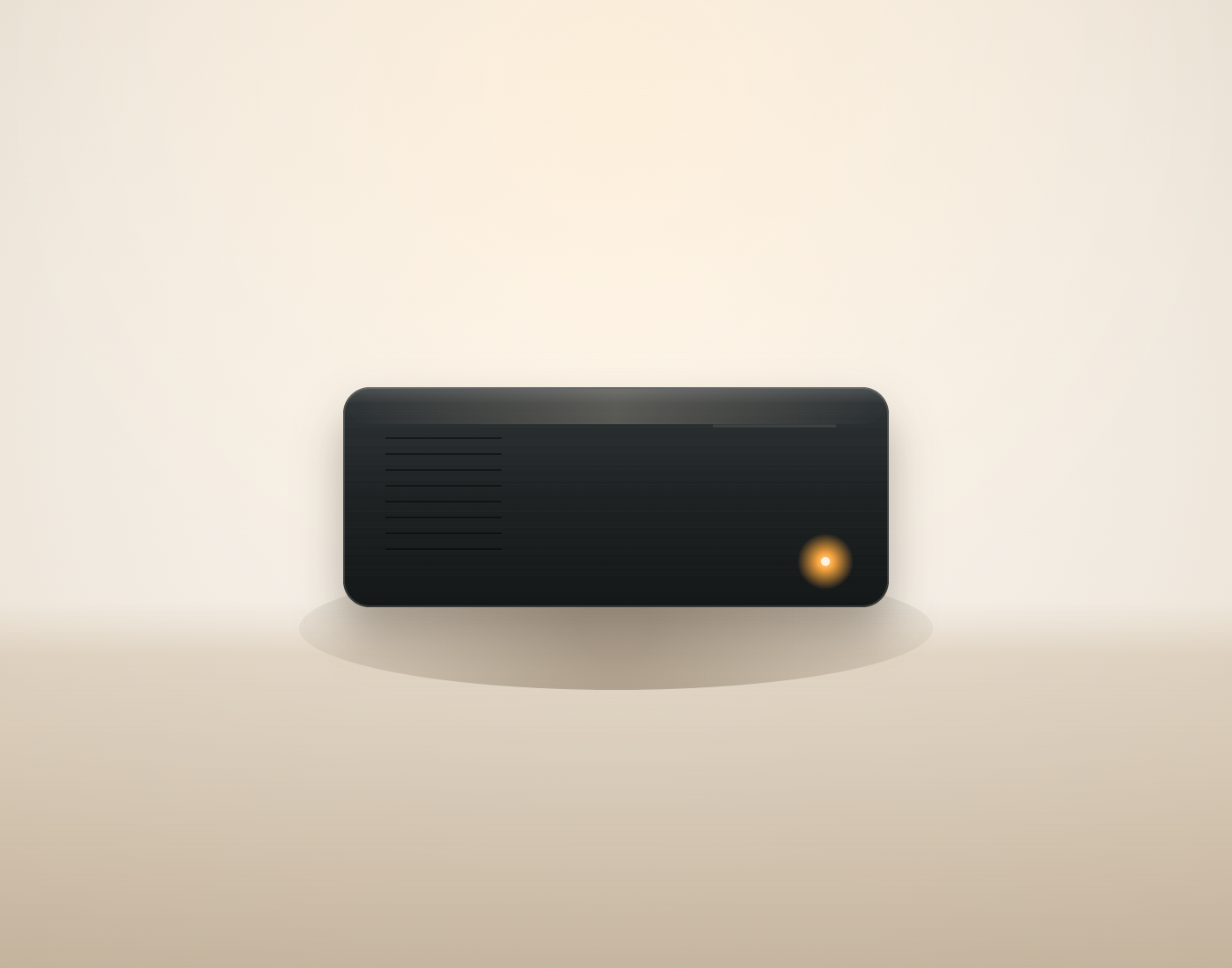
A small, silent mini-PC, fully set up and tuned — power it on, point your TV or phone at it, press play. No Docker, no Linux, no terminal.

What you get
- The device — mini-PC with SSD, small and silent.
- The server preinstalled & tuned — optimized and ready on first boot.
- Trusted HTTPS — so smart TVs just work, no warnings.
- Guided setup + ongoing support — we help you get going and stay running.
- Warranty — backed by ITCOM Solutions.
Ships content-neutral — you choose and install your own addons. The box comes with no addons and no content.
Pricing
from €350 · request a quote
Preconfigured images
Prefer your own hardware or a VM? Grab a ready-to-deploy image — bare-metal or virtual machine. The core software stays free and open.
Every image includes
Full web admin
Manage everything in your browser — live status, active streams, settings. No terminal.
TV-trusted HTTPS
Smart TVs connect with no certificate warning — copy-paste the URL or scan the QR.
Guided first boot
Grows the disk, sizes the cache, and measures your line speed — automatically, on first power-on.
Bandwidth & seeding controls
Cap up/download, stop seeding when complete, and limit seed time and concurrent streams.
Watch-first priority
The stream you're playing gets the bandwidth; background downloads yield to it.
Optional VPN egress
Tunnel only torrent traffic; the admin page and player stay on your LAN, with a kill-switch.
One-click updates
Safe, in-place server updates with a one-click revert — straight from the admin page.
On-screen network setup
DHCP or a fixed static IP, set from the boot-screen wizard or the web admin.
Free image
Free
- ✓Bare-metal & VM image (amd64)
- ✓Server preinstalled & tuned
- ✓Self-serve download · community support
Download
- Disk image (.img.xz) — dd · Etcher · raw disk
- OVA — Proxmox · VMware · VirtualBox
- Clonezilla (.zip) — bare metal
Supported image
€19
- ✓Everything in Free, plus:
- ✓Detailed documentation with examples
- ✓Lifetime updates · chatbot support
The core software is free on GitHub & Docker Hub — these images are paid only for convenience and support.
For the community
Made for the Stremio community
This project is a contribution back to the people who make Stremio what it is. The artwork below is fan art of Stremurr, the Stremio mascot, by the community.



Stremurr fan art from the Stremio community art gallery. All artwork belongs to its respective artists.
Continuously verified
We test every release against real Stremio
An automated harness replays the streaming-server API against a live build and drives a real Stremio client through actual playback. Upstream releases are watched so a protocol change is caught before it reaches you. This panel is that harness, live.
—Checks run on a schedule against a live server; the compatibility probe builds the current Stremio web client weekly and drives real playback through it. Failures are shown as they happen.
Open source
MIT-licensed. Auditable. Yours to fork.
No telemetry, no paywall, no monetization. Read the code, build it yourself, or pull the published image. Contributions and issues welcome.